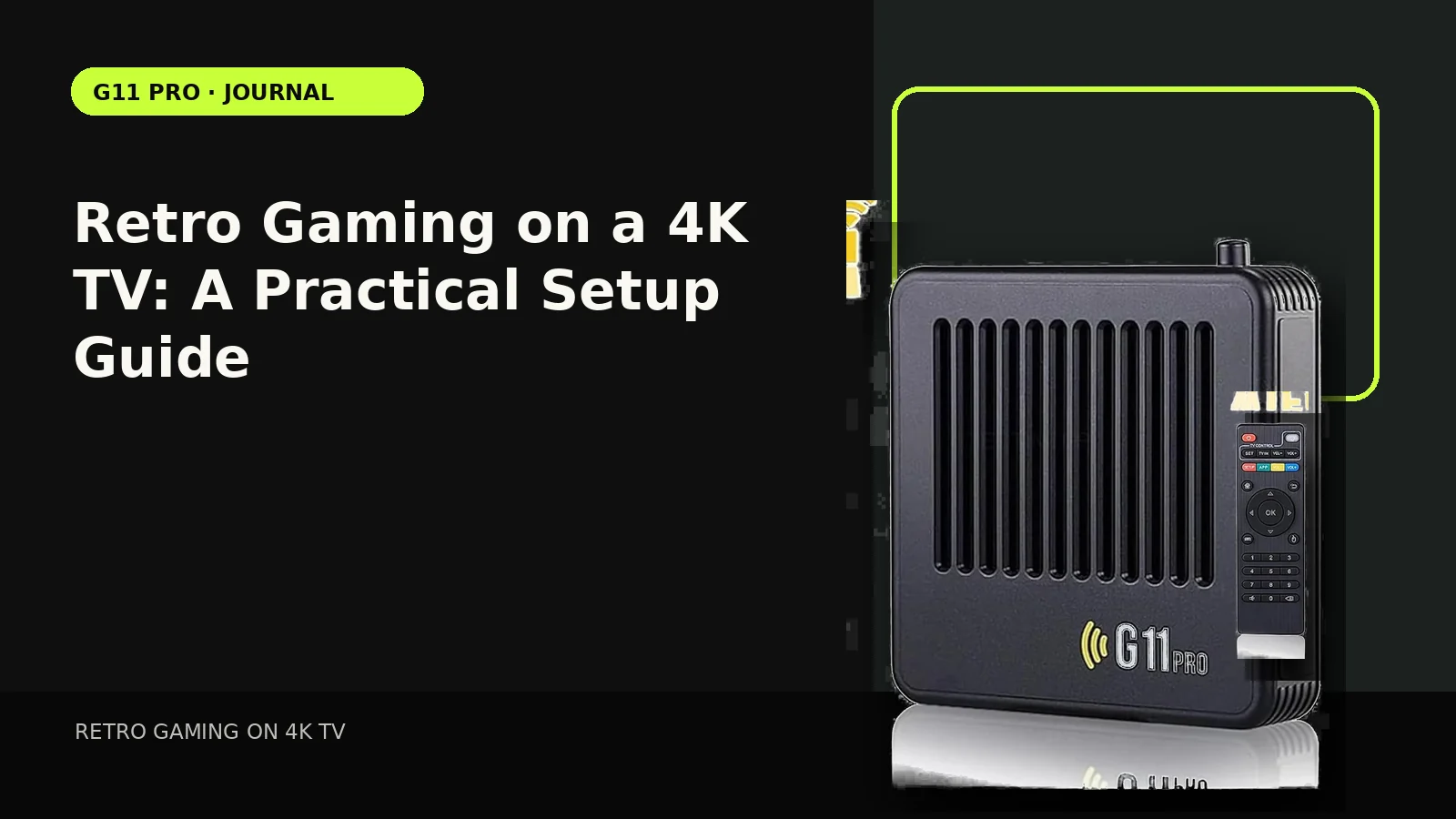
4K TVs can make retro games look clean and convenient, but the default television settings are designed for movies and streaming—not always for low-resolution games. A few practical adjustments can make menus easier to read and controls feel more immediate.
Start with the correct HDMI input
Use a normal HDMI input and confirm the television is actually displaying the console source before changing deeper settings. Some TVs label one input for enhanced bandwidth or PC use; a retro box usually does not need the most aggressive high-bandwidth mode. If the screen is blank, first check input selection, power and cable seating before changing emulator settings.
Turn on Game Mode before judging input feel
Modern televisions often add motion smoothing, noise reduction and image processing. Those features can delay the picture after a controller input. Game Mode normally reduces that processing path. If the product feels sluggish, compare the same game with Game Mode on and off before assuming the controller is the cause.
Keep the original aspect ratio in mind
Many older games were designed around 4:3 displays. Stretching every title to fill a 16:9 screen can make characters and circles look wider than intended. A pillarboxed 4:3 image may look smaller, but it usually preserves the original geometry better.
4K output is not native 4K artwork
A console can send a signal that a 4K TV accepts without turning original low-resolution assets into newly authored 4K graphics. Scaling quality, emulator settings and TV processing determine how the final picture looks. Product pages should keep that distinction clear.
Save one TV preset for retro play
Once you find a combination you like—Game Mode, correct aspect ratio, moderate sharpness and sensible brightness—save it to that HDMI input if your TV supports per-input presets. That makes the setup repeatable for the whole household.
Compare setup styles in our Retro Gaming Guides, or check the live G11 Pro product page for current storage, price and verified box contents.