
A library can be technically impressive and still be hard to use. The more titles you have, the more valuable curation becomes. The goal is to reduce the time between “what should we play?” and actually playing.
Start with favorites, not folders
Create a favorites list of games you genuinely return to. This becomes the default destination for short sessions and shared game nights.
Use systems as the first broad filter
Grouping by original platform helps users understand controller expectations and visual style. It also makes troubleshooting easier because emulator settings are often system-specific.
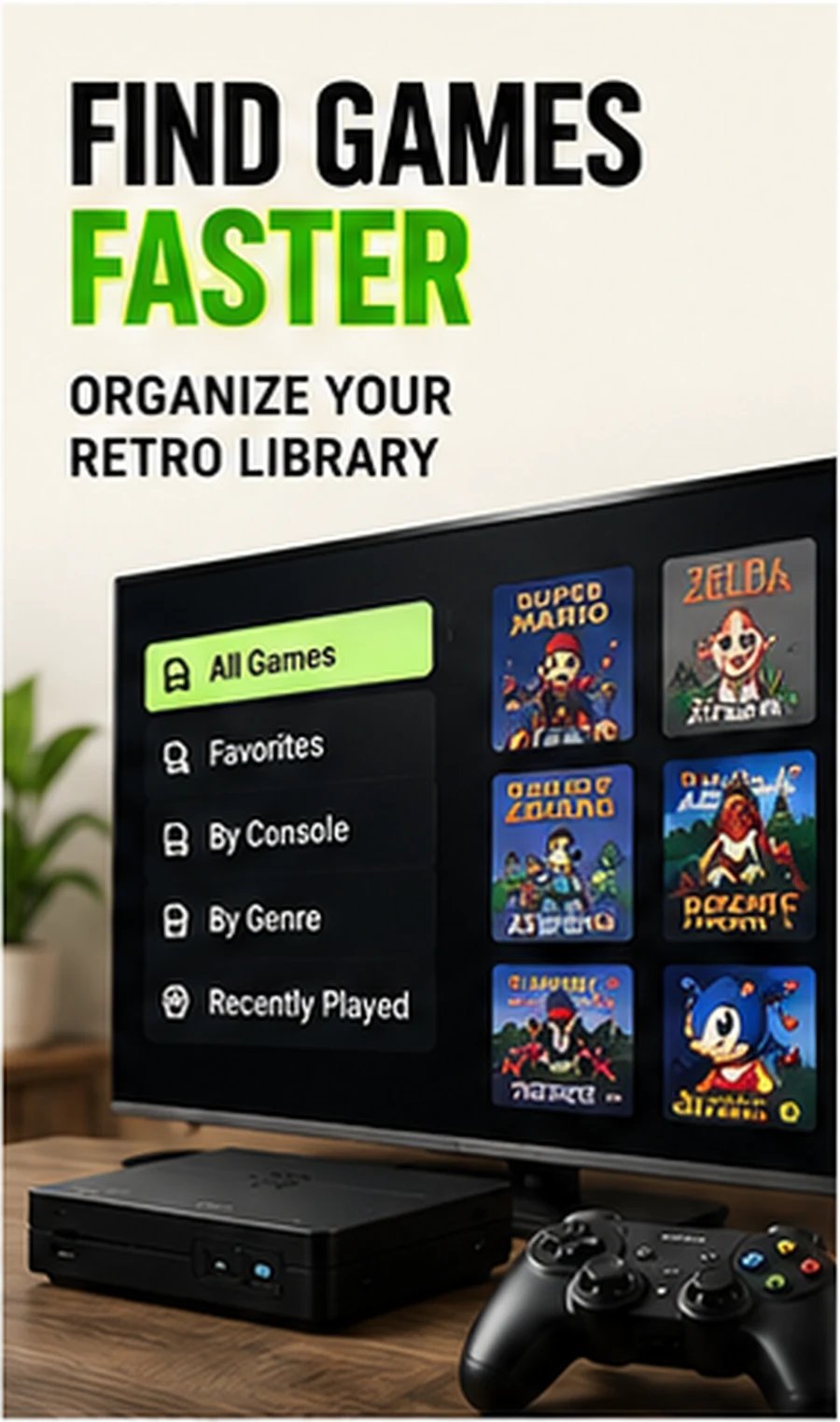
Add genre collections for discovery
Arcade, racing, sports, platform, puzzle, fighting and cooperative collections cut across hardware generations and are useful when you know the mood but not the title.
Use recent history as a resume shelf
A “recently played” view prevents you from re-finding a game every time. It is especially helpful when you are testing several titles or returning to a longer adventure.
Keep a party list small
For guests, 10–20 proven local multiplayer options are better than thousands of choices. Curation is a feature when the audience does not know the library.
Compare setup styles in our Retro Gaming Guides, or check the live G11 Pro product page for current storage, price and verified box contents.


