A small TV console can be easy to carry, but hotel televisions are less predictable than home setups. Some expose HDMI ports normally; others lock inputs behind hospitality systems or mount the screen where ports are hard to reach.
Confirm HDMI access before relying on it
Photos of the room rarely show side ports clearly. If retro gaming matters to the trip, ask the hotel whether guests can select an HDMI input on the TV.
Pack the complete power chain
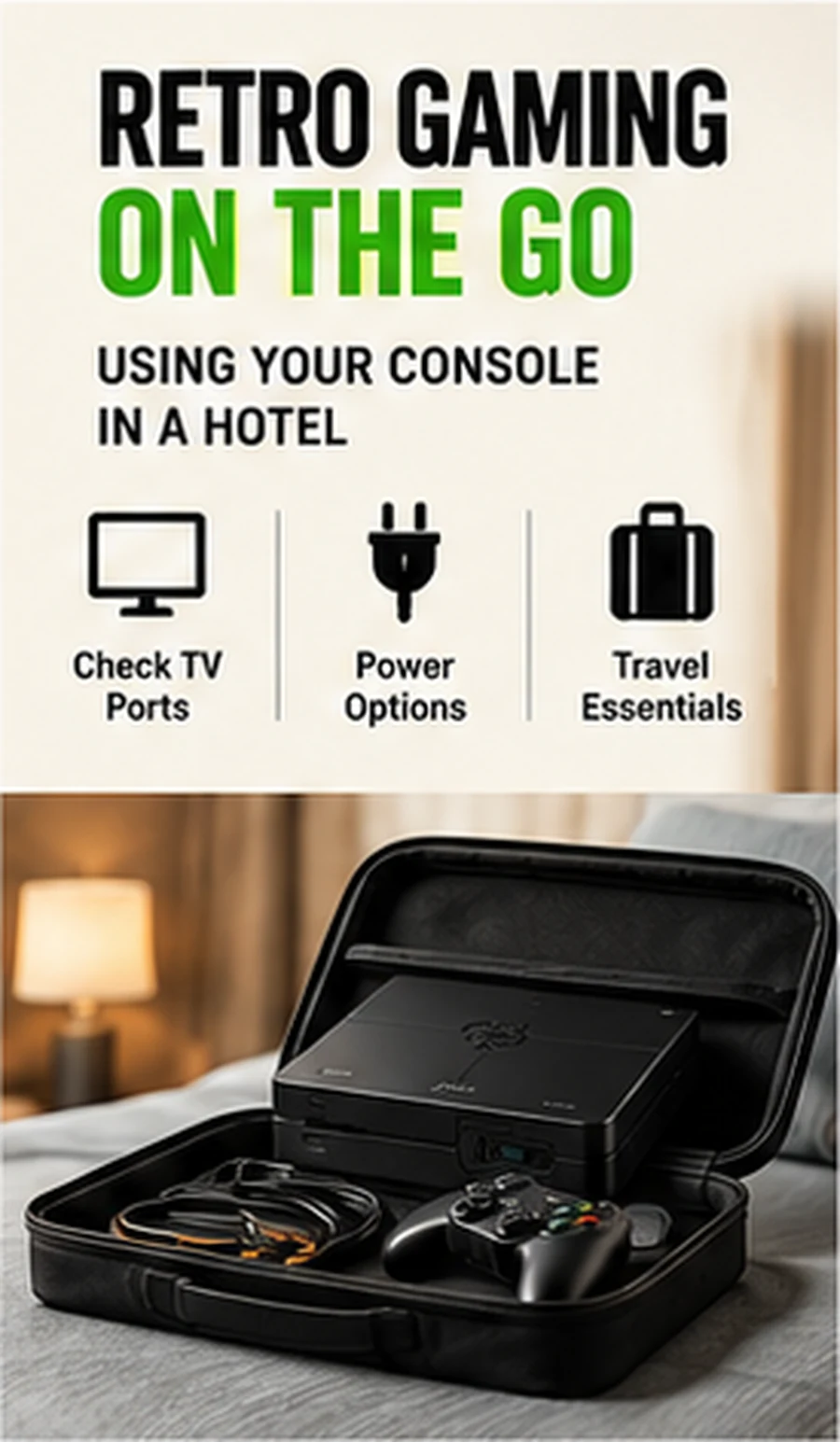
Bring the correct power adapter, regional plug adapter where needed, HDMI cable and any controller receiver. Do not assume the TV’s USB port supplies enough power.
Carry spare controller power
Replaceable batteries are easy to pack; rechargeable controllers need the right charging cable. Test them before leaving home.
Expect hospitality-TV restrictions
Some hotel TVs disable input changes or require a specific remote. Do not attempt to bypass hotel systems or disconnect infrastructure you are not authorized to modify.
Keep saves and storage protected
Use a small case or padded pouch so storage media and USB receivers do not get lost. Tiny dongles are often the easiest part of the setup to leave behind.
Compare setup styles in our Retro Gaming Guides, or check the live G11 Pro product page for current storage, price and verified box contents.