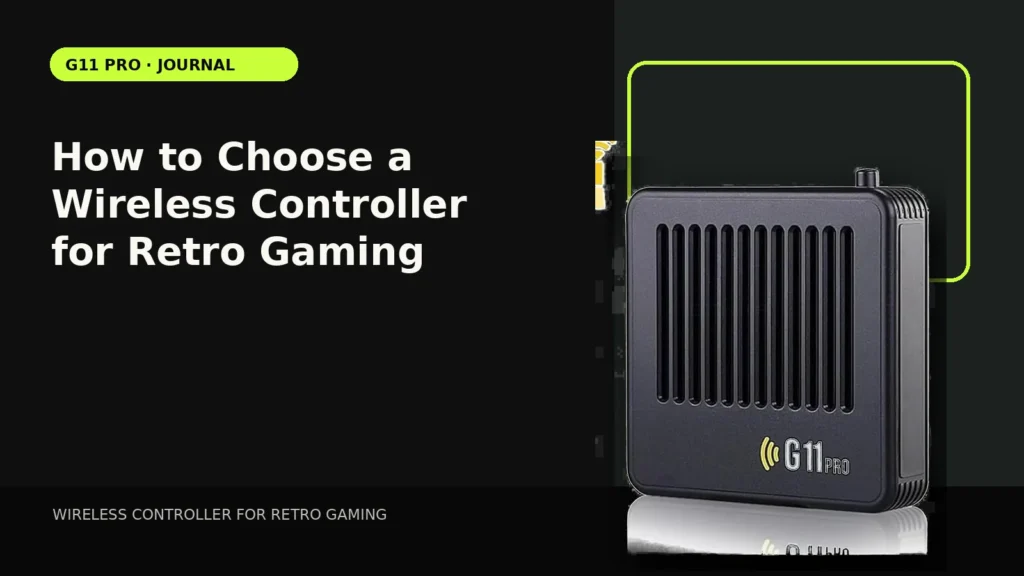
Controller quality is one of the few parts of a retro setup you touch every second. A huge software library cannot compensate for a D-pad you dislike or a connection that drops at normal couch distance.
Choose the connection type your device actually supports
2.4GHz controllers usually use a dedicated USB receiver. Bluetooth requires the console and software to support Bluetooth pairing. Do not buy based only on the controller listing—check the host device.
D-pad design matters for older games
Many classic platformers, puzzle games and fighting games rely heavily on directional inputs. A precise D-pad can matter more than analog-stick quality for those genres.
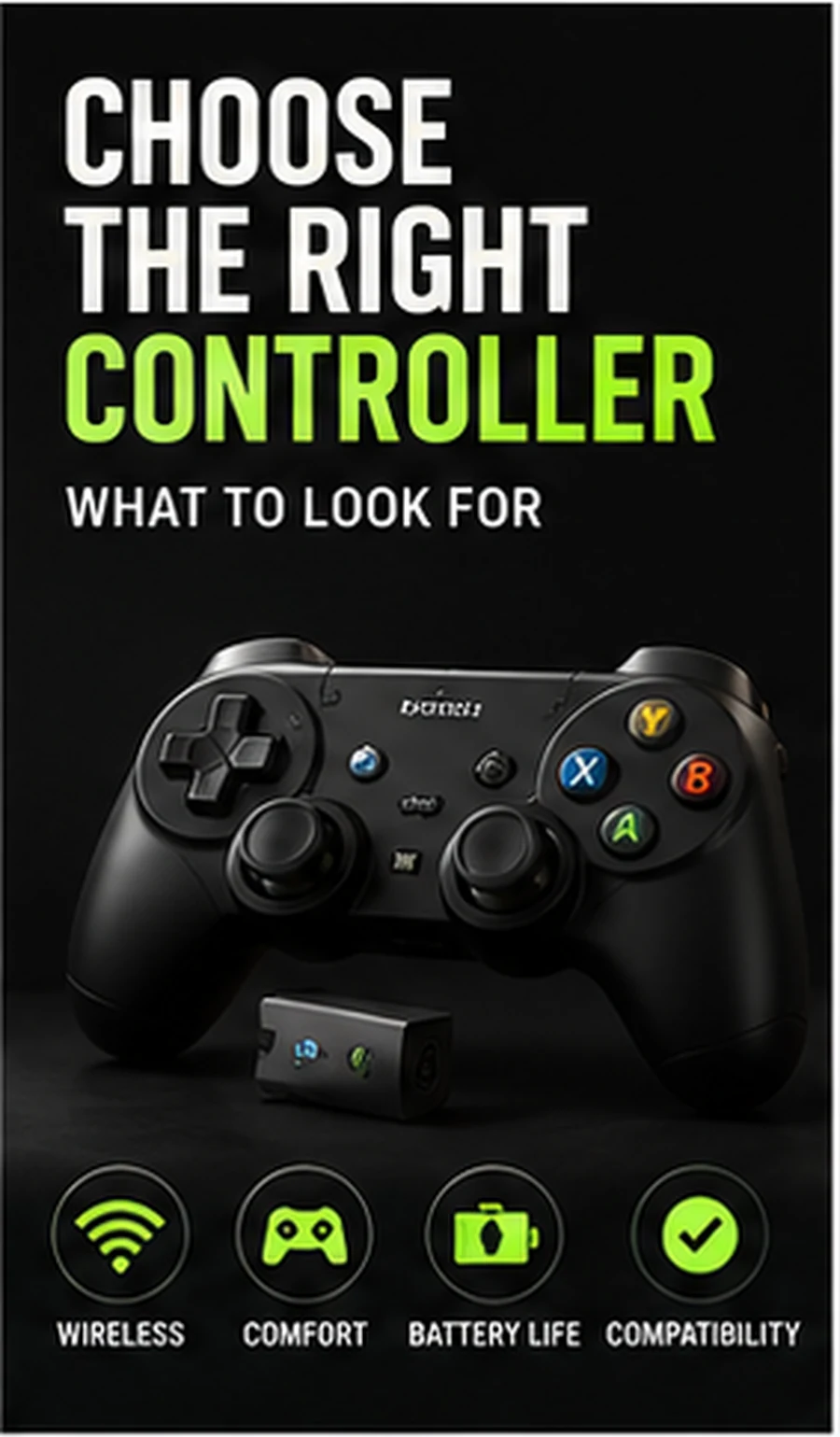
Battery strategy changes convenience
Replaceable batteries are easy to swap instantly; built-in rechargeable batteries reduce disposable battery use. For a shared living room, decide whether you prefer a charging routine or spare batteries in a drawer.
Extra buttons are useful only when mapped
Modern controllers can include analog sticks, triggers and home buttons that older systems never had. They become useful for emulator shortcuts or newer systems only if the software maps them correctly.
Test the normal seating distance
Maximum advertised range is less useful than stable response at the distance you actually sit. Receiver placement, interference and battery condition can all affect real-world behavior.
Compare setup styles in our Retro Gaming Guides, or check the live G11 Pro product page for current storage, price and verified box contents.


