“Retro games” covers very different original hardware. An arcade board in a cabinet and a home console under a TV may share a game title, but the control system, hardware revision and software image can be different.
Arcade hardware was built around a cabinet
Original arcade games were paired with specific controls, monitors, coin inputs and board revisions. Emulators often need to map those assumptions onto a modern controller.
Home consoles had standardized controllers
A home console normally used a known controller layout and video output, so button mapping can be more predictable. Accessories and regional revisions still create exceptions.
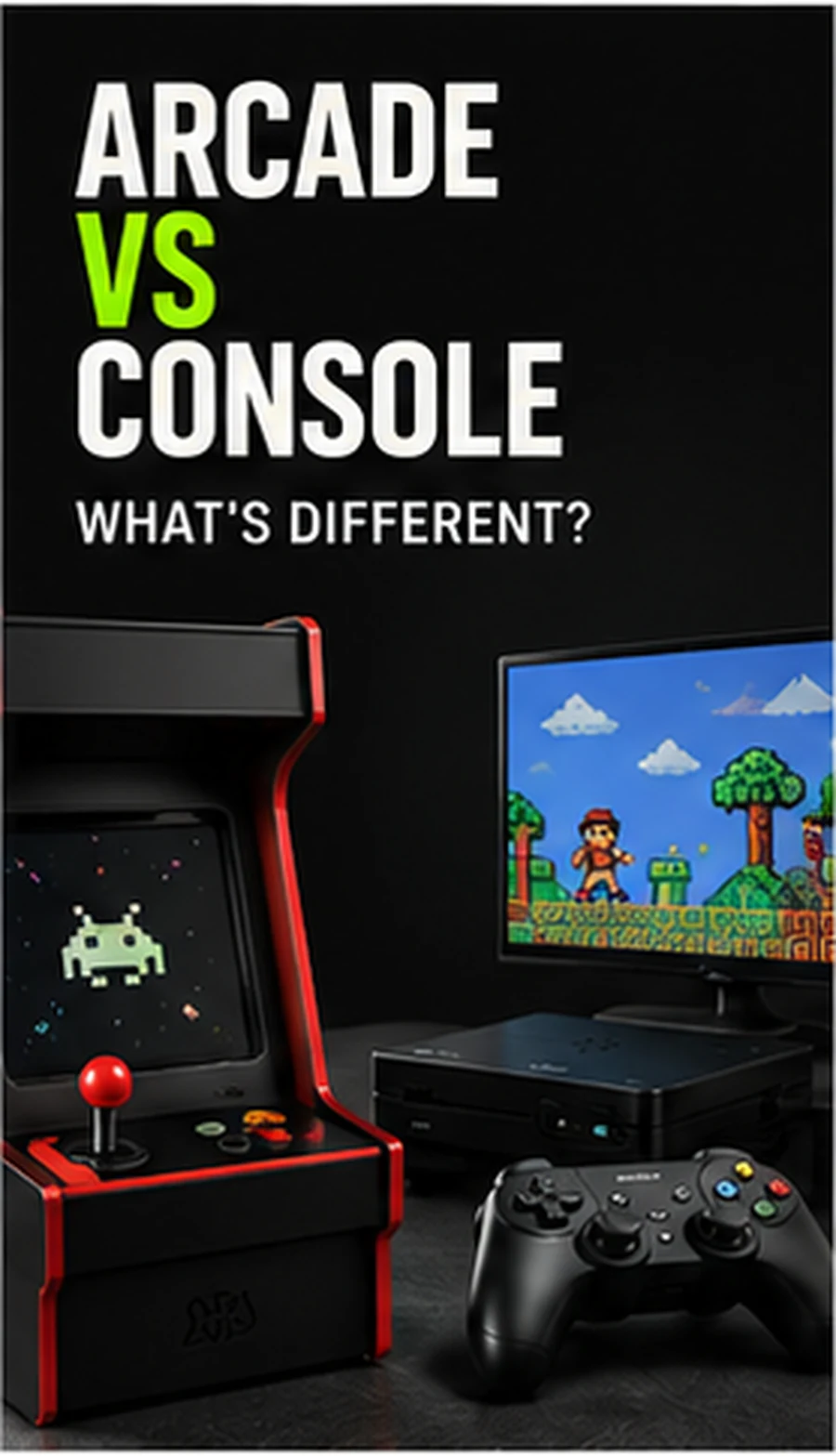
The same game name can represent different versions
An arcade release and a home-console port may have different graphics, levels, timing or features. A library list should identify the system instead of assuming the title alone tells the full story.
Compatibility is not a single percentage
An emulator may run many titles well and still struggle with one game or hardware feature. Good product documentation avoids implying that every title in a large library performs identically.
Controller mapping matters more for unusual arcade games
Light guns, steering wheels, trackballs and multi-button panels are not automatically reproduced by a standard wireless gamepad. Check the intended control scheme before buying for a specific arcade experience.
Compare setup styles in our Retro Gaming Guides, or check the live G11 Pro product page for current storage, price and verified box contents.


