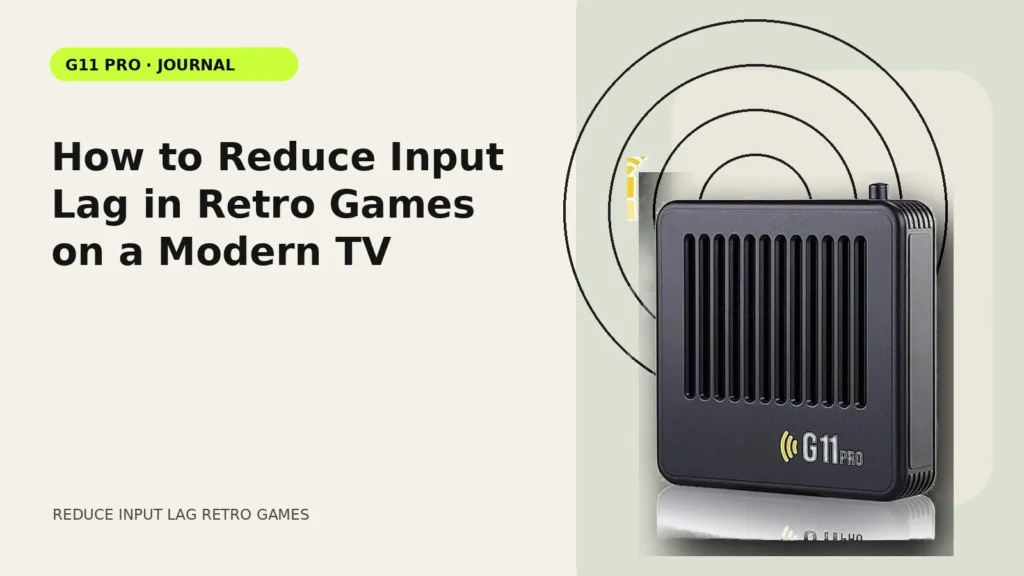
When a retro game feels “off,” several small delays can stack together: television processing, wireless controller response, emulator buffering and the game itself. The fastest way to improve the experience is to isolate those layers instead of changing everything at once.
Measure by feel, but troubleshoot by layer
Choose one game and one repeatable action—jump timing, a menu cursor or a rhythm input—then change only one variable at a time. That makes it easier to tell whether the television, controller or software setting made a difference.
Use the TV’s low-latency mode
Game Mode is often the largest single improvement because it removes processing intended for film and broadcast content. Disable motion interpolation and test again. Features marketed as “smooth motion” are useful for video but can add delay to interactive content.
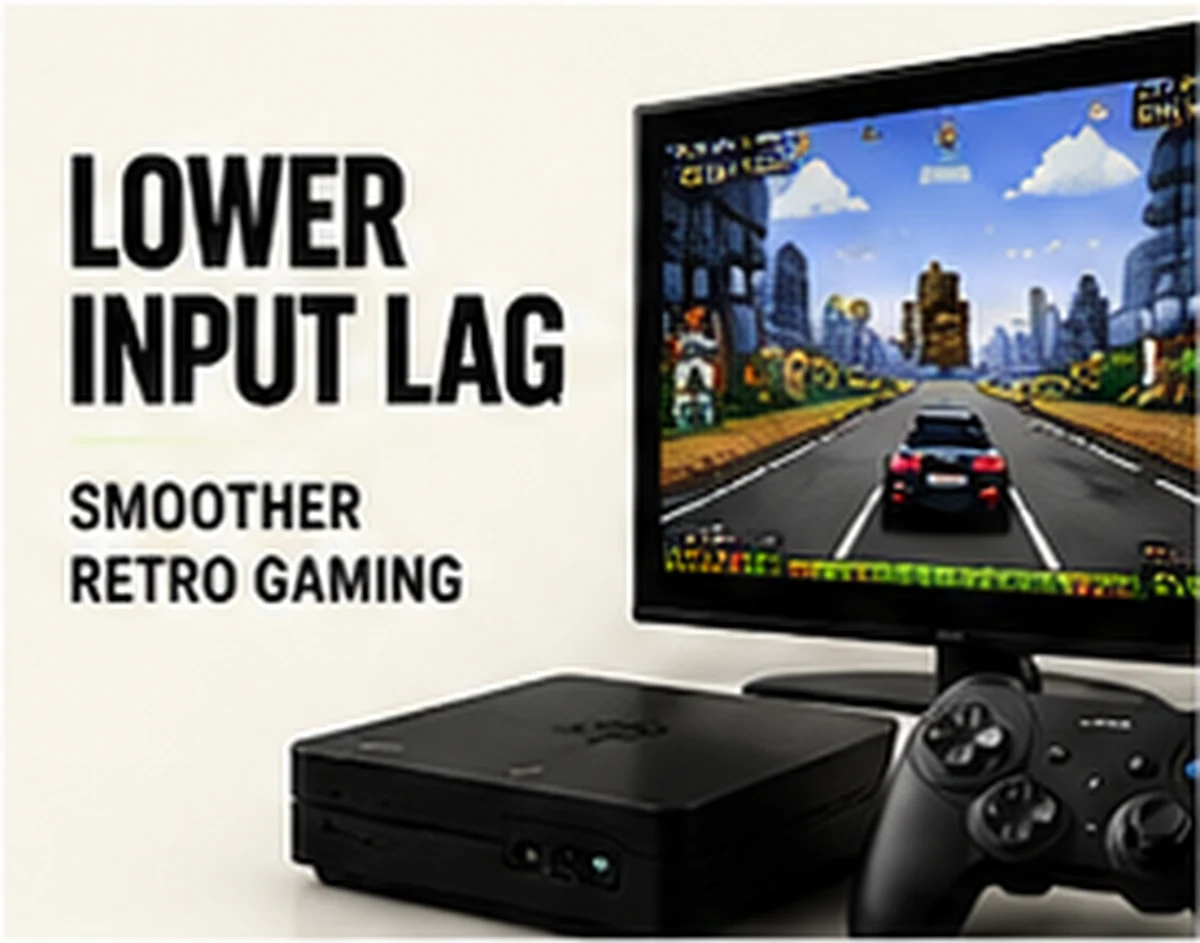
Check receiver placement and batteries
For 2.4GHz controllers, low batteries or a receiver trapped behind metal and cables can create inconsistent response. Fresh batteries and a clearer receiver position are inexpensive tests. If the console supports a short USB extension, moving the receiver into open space can help in some rooms.
Avoid changing emulator latency settings blindly
Advanced emulator options can reduce or increase latency, but they can also create audio crackle, instability or game-specific issues. Start with the vendor’s stable defaults. Change advanced frame or run-ahead settings only when you understand what the emulator supports.
Remember that not every game has the same timing
Original games differ in frame rate, animation and input design. A menu that feels instant does not prove every game will behave identically. Compare several representative titles before deciding the hardware is broadly slow.
Compare setup styles in our Retro Gaming Guides, or check the live G11 Pro product page for current storage, price and verified box contents.


