01
CONNECT
HDMI + power.
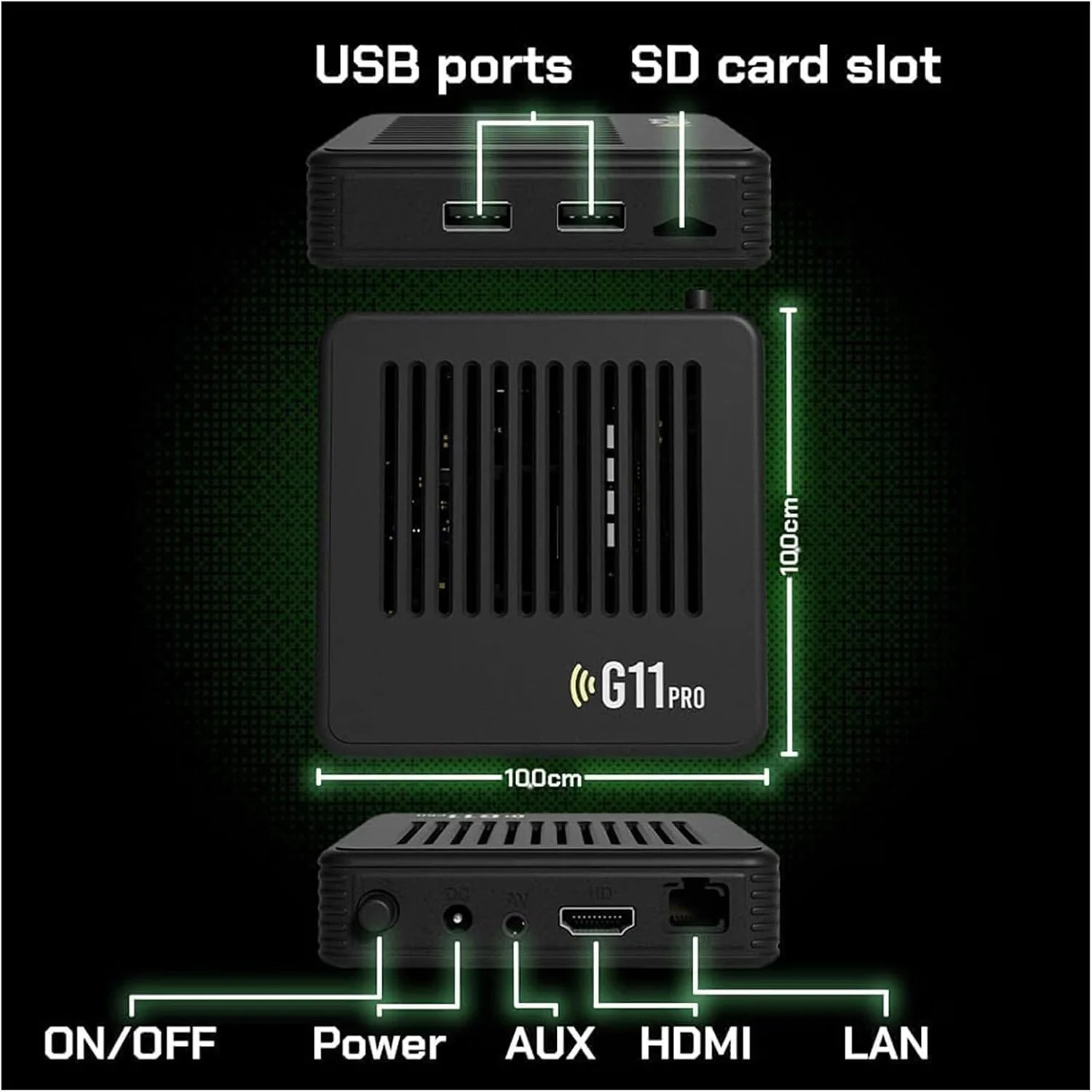
Connect the console to a compatible TV, monitor or projector through HDMI, then connect power. Keep any adapter limitations visible on the live site.
This page is designed to remove the biggest purchase objection: “Will this be difficult to set up?”
Start the guide ↓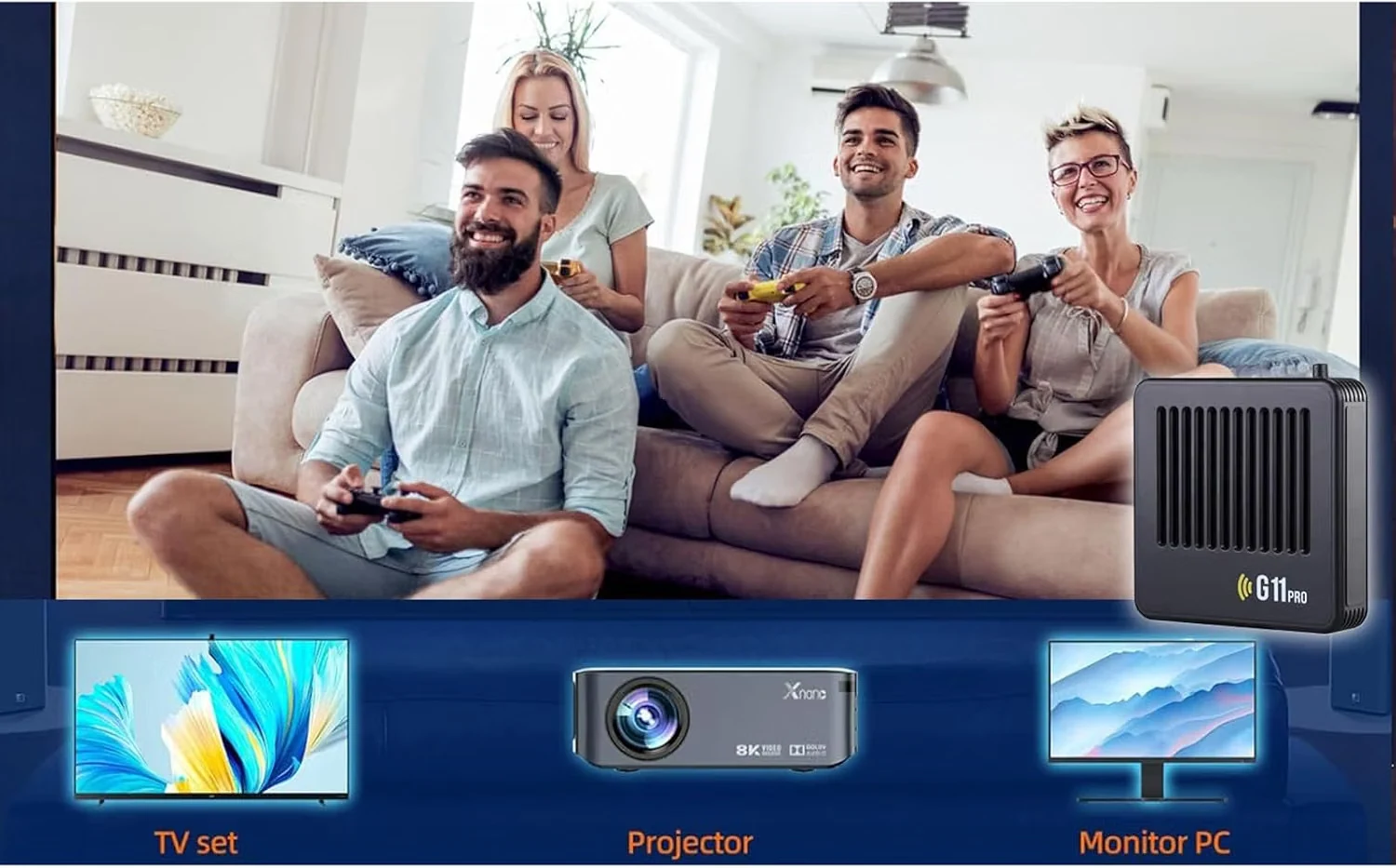
Connect the console to a compatible TV, monitor or projector through HDMI, then connect power. Keep any adapter limitations visible on the live site.
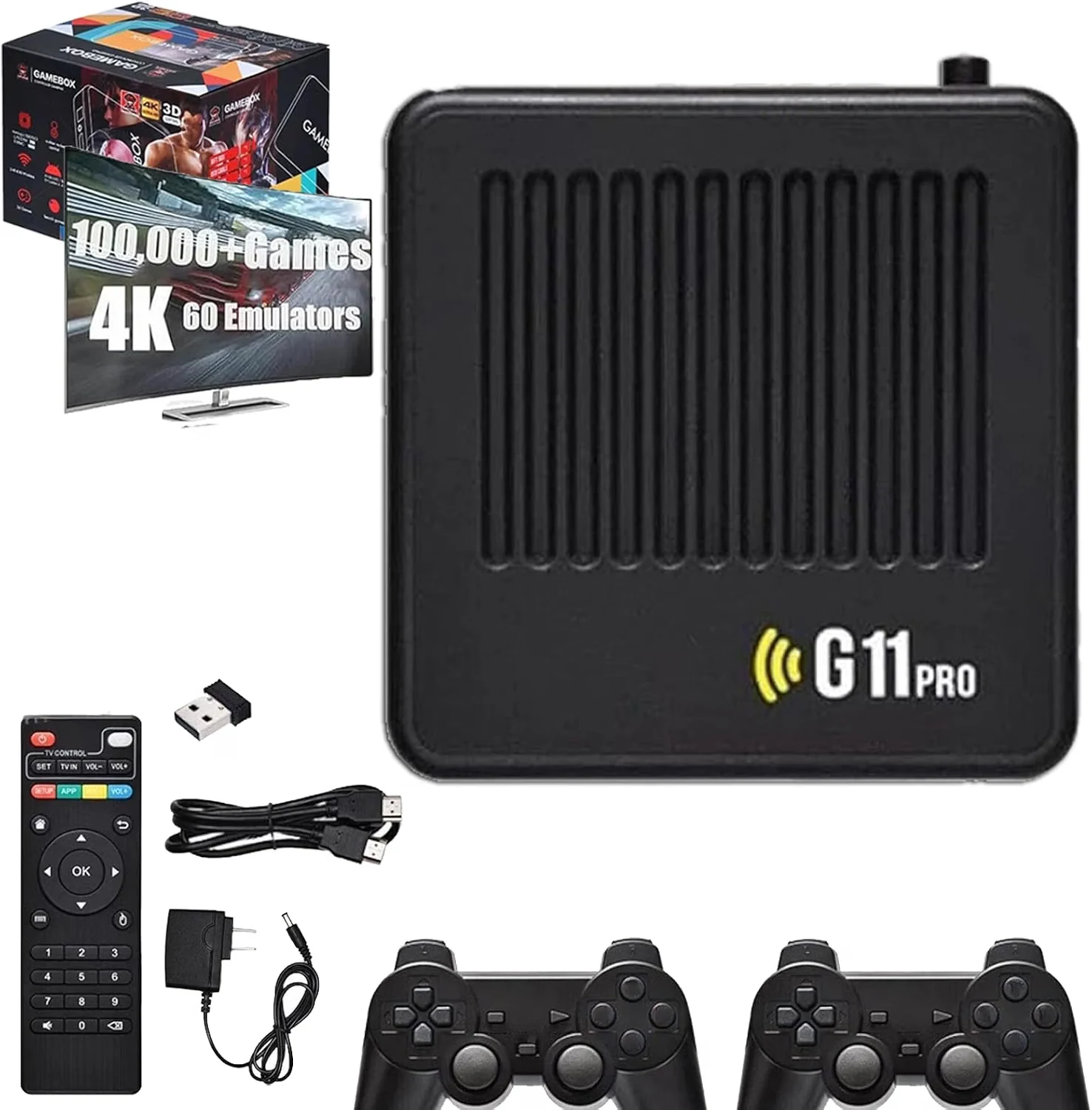
Insert the receiver if your SKU requires it, power on the included wireless controllers and confirm the connection before selecting a game.
Browse the interface, choose a game category or title and start playing. Save-state and exit behavior can vary by system, so use the support guide for the current SKU instructions.
Check the HDMI input on the display, reseat the cable and verify power to the console.
Check batteries or charging, the wireless receiver and whether the controller is paired to the correct player slot.
Publish the exact key combination from the final firmware here; do not rely on a generic instruction across different software builds.
Make game night the feature—not configuration.