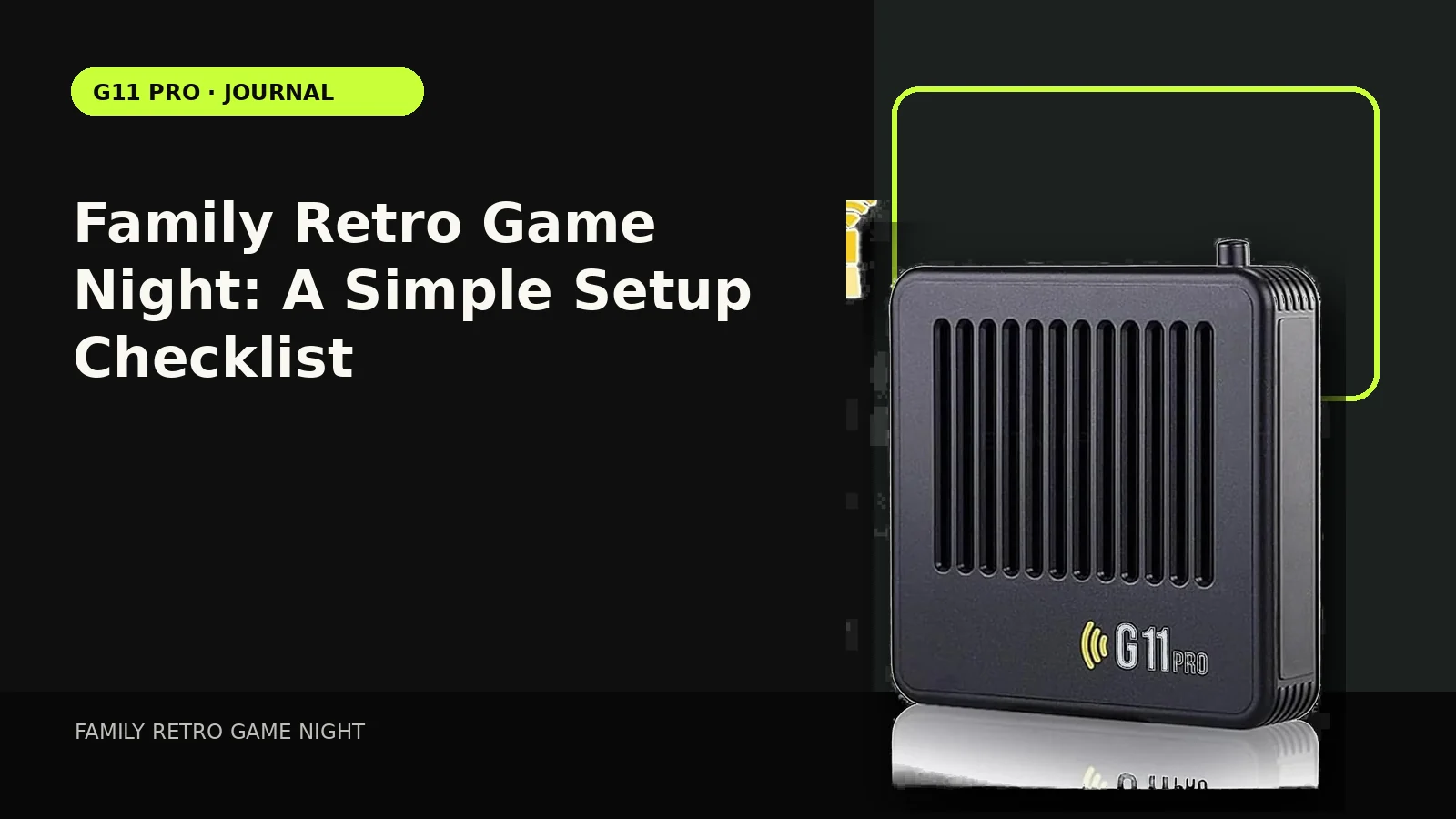
A family game night succeeds when everyone can get into the action quickly. That makes setup simplicity, readable menus and a curated list of approachable games more important than the total size of the library.
Set up before the group arrives
Connect the console, test both controllers and confirm the TV input. Five minutes of preparation prevents the first twenty minutes from becoming technical support.
Choose age-appropriate content deliberately
A retro library can contain games from many ratings and genres. Parents should curate favorites rather than assuming “old” means “for children.”
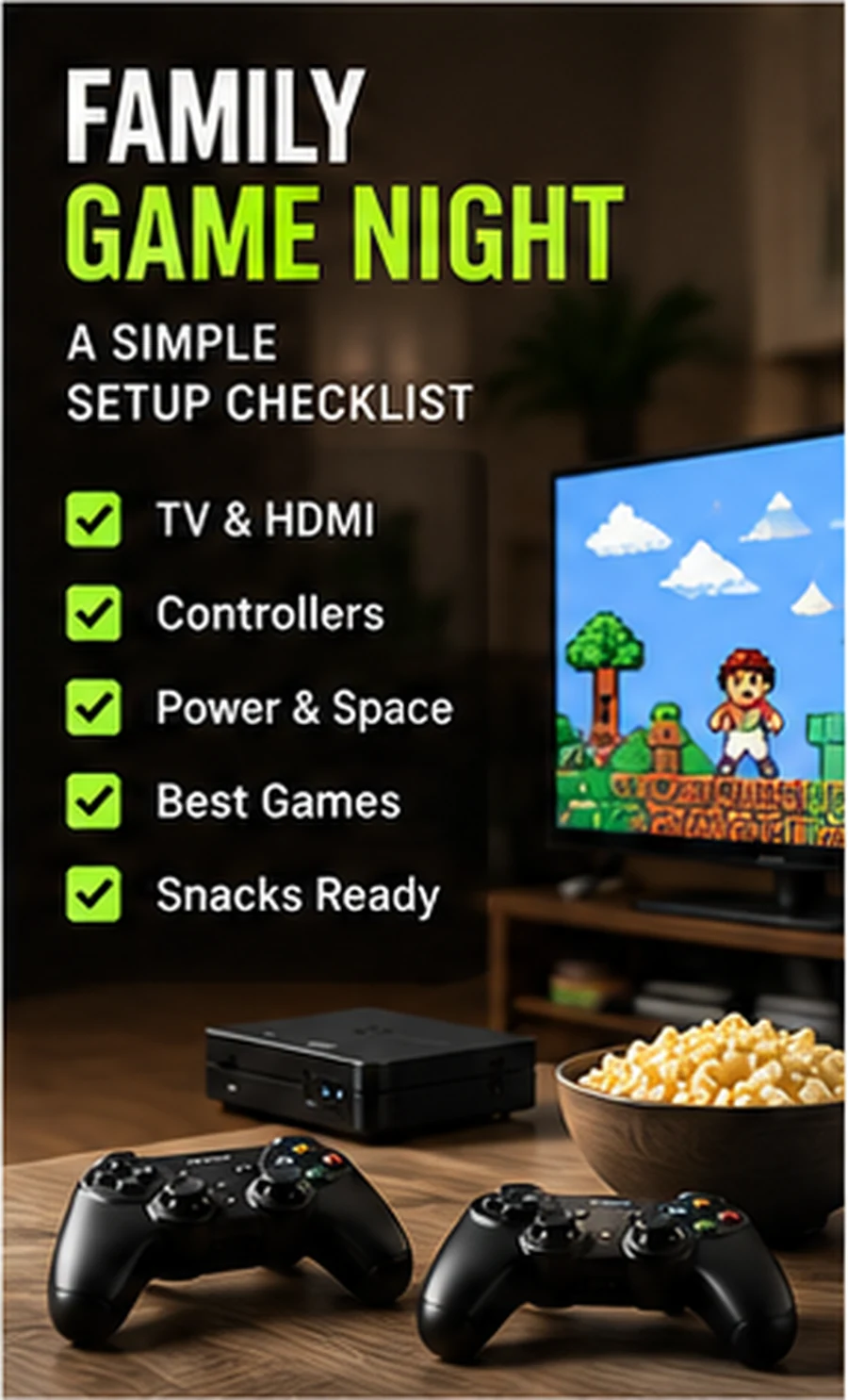
Use games with obvious goals
Racing, sports, puzzle and arcade-style games can be easier for mixed ages because the rules are visible and rounds are short.
Rotate turns predictably
Use teams, winner-stays-on, timed rounds or a fixed two-game turn. Clear rotation keeps younger players engaged when only two controllers are active.
Keep the menu out of the way
Once you have a family favorites list, teach one person how to exit and select the next title. Everyone else can focus on playing rather than navigating system folders.
Compare setup styles in our Retro Gaming Guides, or check the live G11 Pro product page for current storage, price and verified box contents.