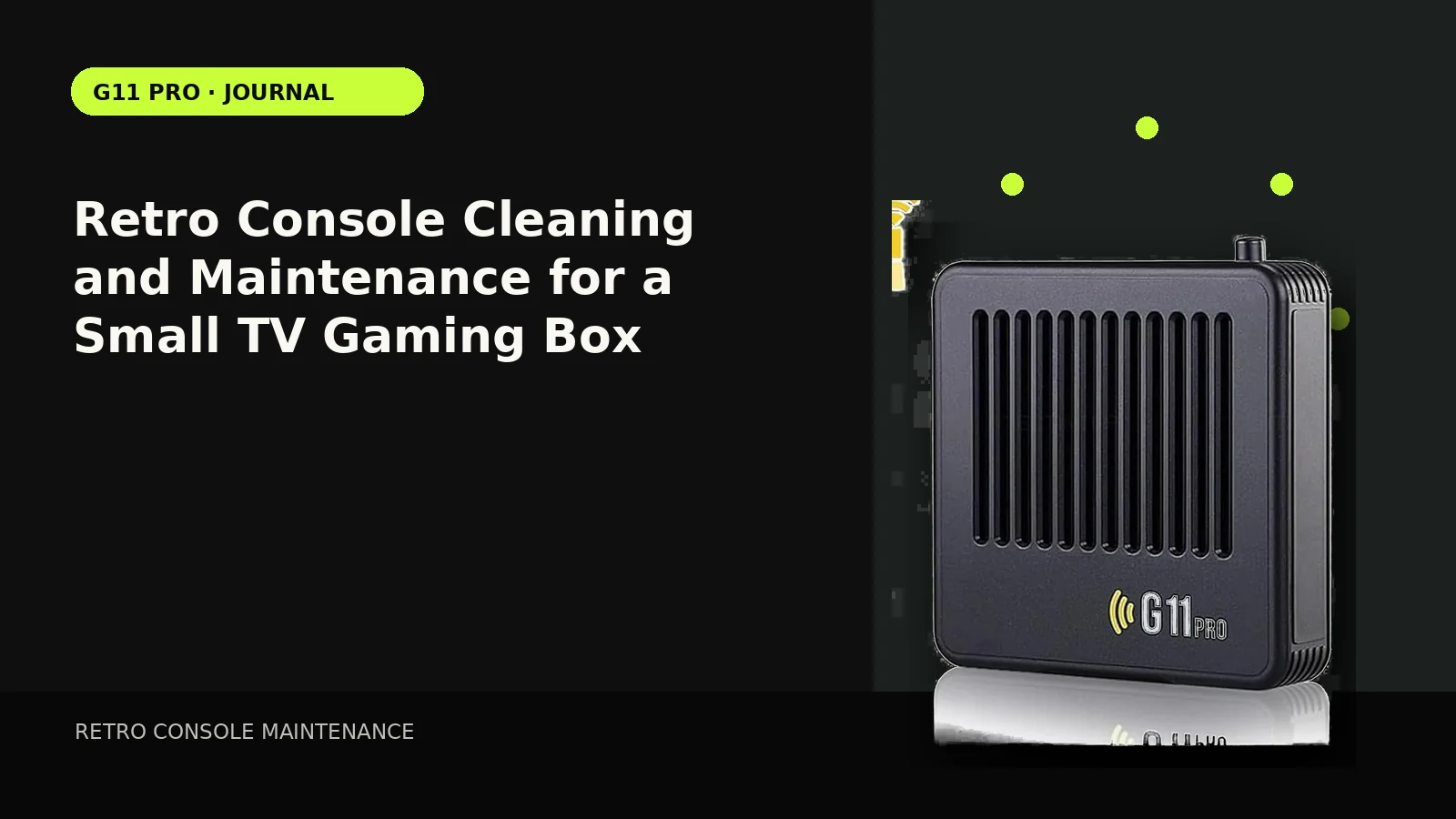
Compact consoles need very little routine maintenance, but heat, dust, loose cables and neglected controllers can create avoidable problems. The safest approach is simple and non-invasive.
Keep vents open
Do not bury the console under other electronics or soft fabric. Leave space around ventilation openings and avoid placing it directly on top of a hot amplifier or set-top box.
Dust without opening the case
Power the unit off, unplug it and use a soft dry cloth around the exterior and ports. Avoid liquids inside connectors and do not open the case unless the vendor documentation explicitly allows service.
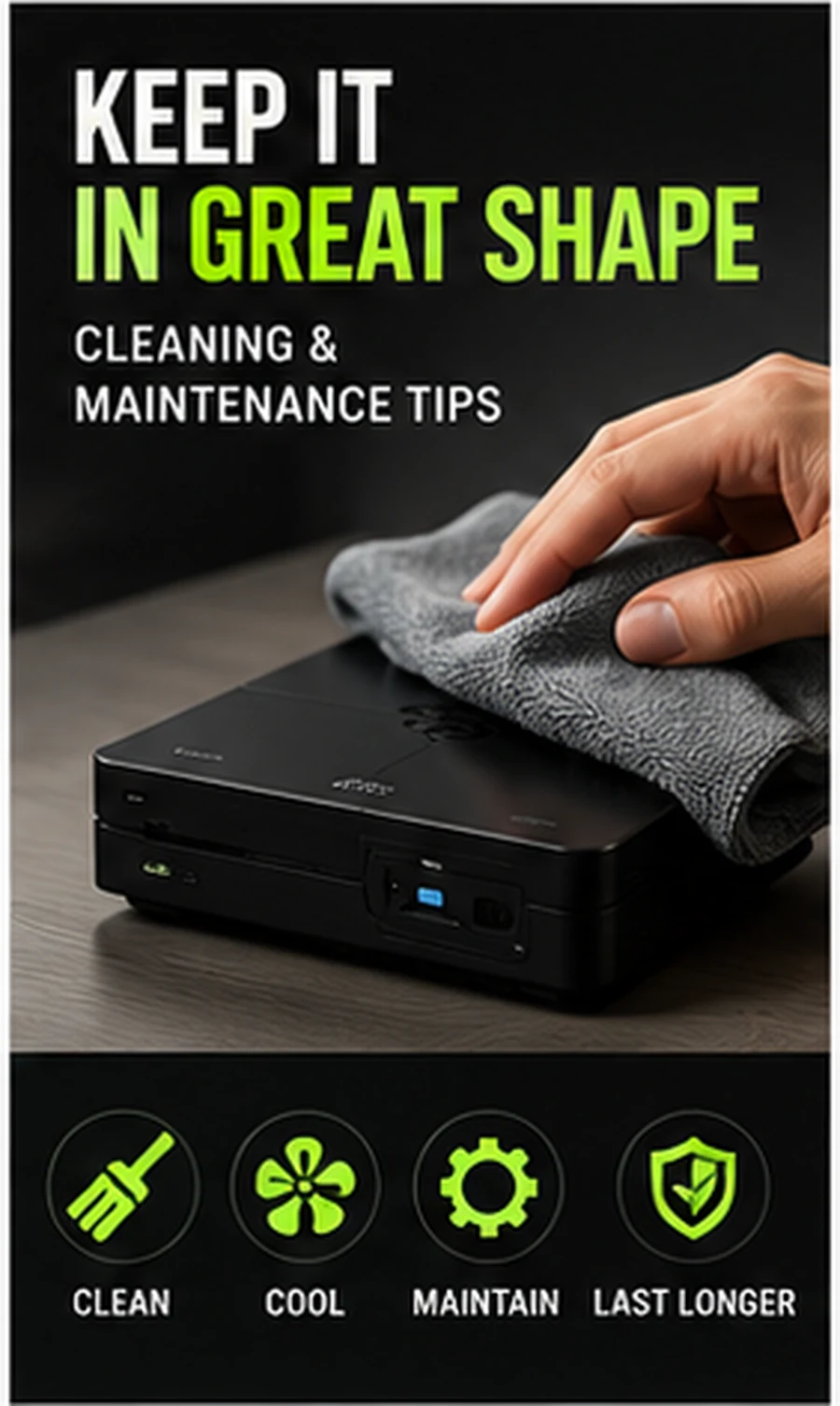
Check cable strain
A small lightweight console can be pulled by a stiff HDMI cable. Route cables so the connectors are not carrying the weight of the device or being sharply bent.
Store controllers with batteries in mind
For replaceable-battery controllers that will sit unused for a long time, remove batteries to reduce the risk of leakage. Rechargeable pads should be stored according to the manufacturer’s battery guidance.
Back up important saves before storage changes
If you replace a storage card or system image, copy saves first when the device supports safe access. Treat storage migration as a data operation, not just a hardware swap.
Compare setup styles in our Retro Gaming Guides, or check the live G11 Pro product page for current storage, price and verified box contents.